

Ads on Apple Maps · managed by OmniServe
Be the restaurant Apple Maps suggests.
Every day, people nearby open Apple Maps to find their next meal. OmniServe builds, runs, and optimizes your Apple Maps Ads to put your restaurant front and center as a sponsored pick, right when hungry customers are deciding where to go.
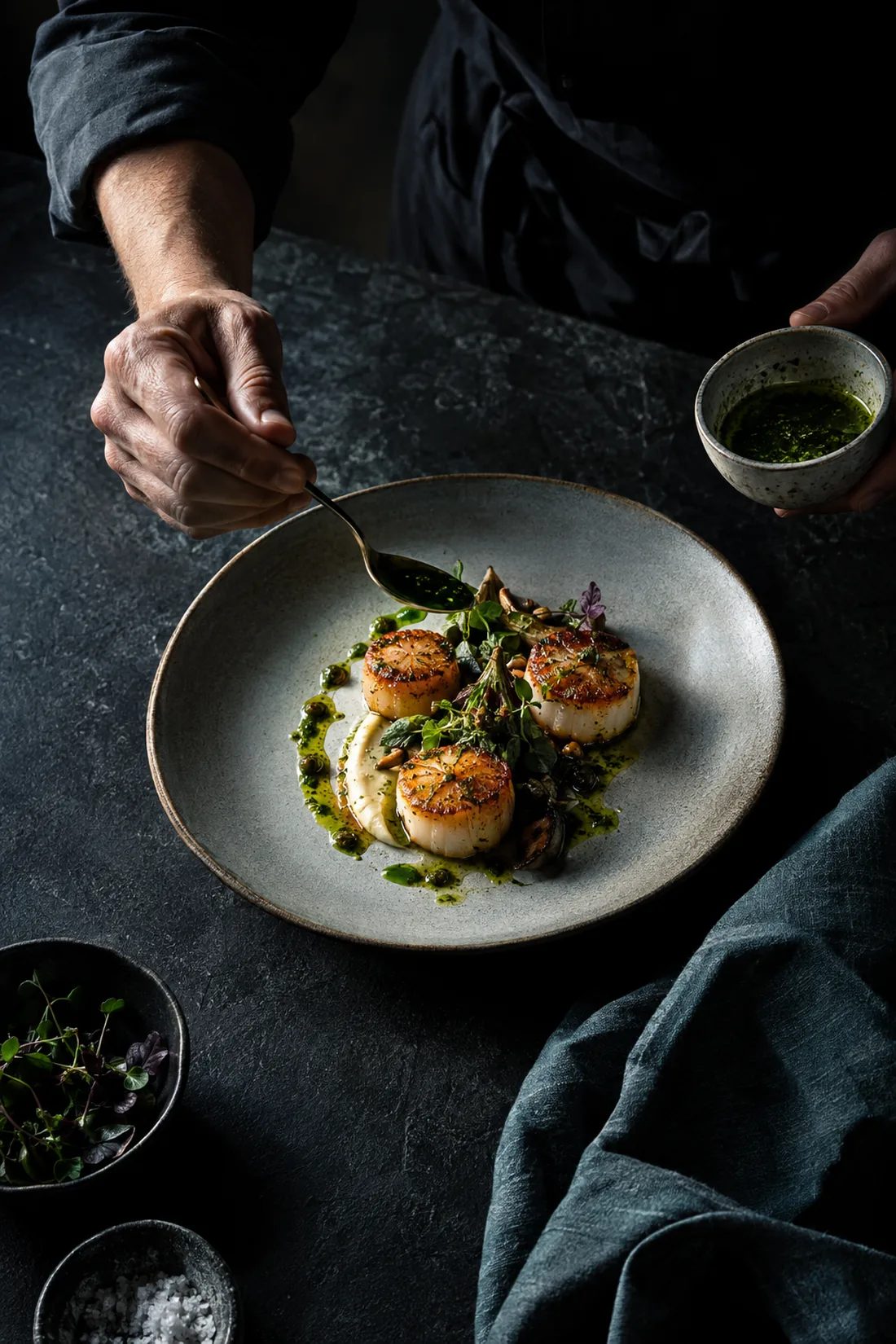
Ad
Marlow & Vine
Tuesday prix fixe, two for $46
Nearby result
Illustrative mock-up. Not an Apple screenshot.
1B+
relevant business searches on Apple Maps every month in the US & Canada
1 in 2
business searches end with someone acting: directions, a call, a share, a website visit
57%
of Maps users are Gen Z and Millennials
$150
ad credit from Apple for eligible new advertisers
Figures and credit offer published by Apple on Ads on Apple Maps. Eligibility limits and terms apply.
Why Apple Maps, why now
The newest ad channel in local search, and your competitors aren’t on it yet.
Apple opened Ads on Maps to businesses in the US and Canada on August 14, 2026 (TechRepublic). It’s the default map on every iPhone, and the people searching on it are close by and ready to go somewhere.
Most restaurants either haven’t started or are running Apple’s automatic setup and hoping for the best. We run campaigns through Apple Ads, which gives agencies more control: keywords, schedules, ZIP-level targeting and bid strategy. Your budget goes to the hours and searches that actually fill tables.
Apple targets ads using things like approximate device location, what’s showing on the map and the search words people type. It doesn’t use precise location history, age or gender (TechRepublic), so your ads reach guests who are nearby and looking right now.
Where your ads run
Two placements. More ways to get noticed.
Apple Maps offers two ad spots on iPhone and iPad. We help you choose the right fit or make the most of both.
Before they search
Suggested Places
When someone opens Maps, Suggested Places shows what’s trending nearby and picks based on their recent searches. A sponsored spot here puts you in front of people who haven’t decided on a location yet.
- Good for new openings, brunch and late night
- Reaches people browsing nearby
After they search
Top of search results
When someone searches “tacos,” “happy hour” or “dinner near me,” your restaurant can show first in the results, clearly marked as an ad. They can call, get directions or visit your website with one tap.
- People ready to decide now
- Keywords, categories and negative terms
What OmniServe manages
Everything after you hand us the keys.
Once you give us access in Apple Business, we handle the campaign work every week, not just once at launch.
Campaign build in Apple Ads
We pick placements, bid strategy (Maximize Engagements or Manage Bids) and pricing (cost per tap or CPM) based on what you want: more visits or more people seeing your name.
Keywords & negative terms
We pick search terms that match your menu, like “ramen,” “patio brunch” or “craft beer,” and block the ones that waste money, like “jobs,” “grocery” or dishes you don’t serve.
Shift-based scheduling
Ads run during the hours that need help, like weekday lunch, a slow Tuesday dinner or late night, and pull back when you’re already full.
Location targeting
We target by distance from your door or by ZIP code, city or state. Groups can promote several locations together or set up each one on its own.
Ad photos & promo text
We pick up to three photos and write short promo lines, like a weekday special, a new menu or happy hour. We can also write them in other languages for neighborhoods that need it.
Reporting you can read
A plain-English report each month: what you spent, how many people saw and tapped your ads, and how many asked for directions or called. It also says what we’re changing next.
Campaign features follow Apple’s published agency tools for Ads on Apple Maps. We also keep your place card ready for ads: correct category, current hours and good photos.
Sample campaign plan
See what we’d set up for a place like yours.
Pick your type of venue and your goal. This is an example of how we’d structure the campaign. Your real plan is based on your menu, neighborhood and budget.
Search results + Suggested Places
Tue–Thu dinner push
ExampleKeywords we’d bid on
Negative terms
When ads run
Ads on Higher bids Off
- Targeting
- 1.5 mi radius
- Bid strategy
- Maximize Engagements · CPT
- Promo line
- —
How it works
You verify once. We run it from there.
Apple requires the business owner to verify the business and claim the location. That keeps your listing safe, and it means we never ask for your documents. With your paperwork ready, setup takes under 10 minutes.
You do (once)
- 1
Create your Apple Business account
Sign up at Apple Business with your restaurant’s legal name and a business email address.
Opens Apple’s sign-up in a new tab. Don’t tick the agency option. That’s for agencies like us.
- 2
Verify your business
Use your EIN or D-U-N-S number, your website’s domain settings, or a document like a business license, food or health permit, lease or utility bill. Apple’s review can take up to five business days (Apple Support).
- 3
Claim your location
Find your restaurant on Maps, confirm it (often with a code sent to your listed phone number), and check the category, hours and photos.
- 4
Give OmniServe access
Share Ads on Maps access with our Organization ID. You can remove access any time.
Your money, your control
Your ad spend goes straight to Apple. You set the limit.
You pay Apple directly for ads, with a monthly maximum you choose, and you can start or stop any time. Apple charges only for the result the campaign is set up for, either a tap or a view, through an auction based on relevance and bids.
Our management fee is separate from your ad spend and doesn’t come out of it. We’ll recommend a starting budget for your neighborhood and confirm everything in a short written proposal before anything goes live.
- Ad spendPaid by you to AppleMonthly maximum you set. No minimum spend.
- ManagementOmniServeSetup, weekly tuning and monthly reports. Quoted after a short call.
- New advertiser credit$150 from AppleFor eligible new accounts. Terms apply.
- CommitmentNone to ApplePause campaigns any time from your account.
Questions
Good to know before you start.
Still unsure if Apple Maps ads fit your restaurant? Ask us. We’ll tell you plainly if they don’t.
Who is this for?
Independent restaurants, cafes, breweries, taprooms and small restaurant groups in the US or Canada with a physical location guests can visit. Ads on Maps is only available to businesses with locations in those two countries.
Can’t I just run Apple Maps ads myself?
Yes. Apple Business has a simple automatic option. Managing it through Apple Ads gives more control: scheduling, keywords and negative terms, ZIP-level targeting, location groups and bid strategy. That control is the work we do, along with watching results every week so you don’t have to.
Why can’t OmniServe verify my business for me?
Apple requires the owner to prove ownership with an EIN or D-U-N-S number, domain settings, or official documents. That protects your listing from being taken over. We never ask for your documents. You verify once, then give us access, and you can remove it any time.
Are bars eligible?
Apple restricts some categories, including alcohol advertising (MediaPost). Restaurants and brewpubs that serve food usually focus their ads on the food and the visit. We check your category and ad wording against Apple’s policy before launch, and tell you up front if a placement isn’t available.
I have more than five locations. Does that change anything?
Apple sends businesses with more than five locations to the Apple Ads platform instead of the automatic option in Apple Business (MediaPost). We work in Apple Ads either way, so groups can run all locations together, or set budgets and messages for each one.
How fast will I see results?
Once Apple has verified you and you’ve given us access, campaigns usually go live within a few business days. We look at the first two to four weeks closely and adjust keywords, hours and bids as data comes in. We’ll report honestly, with no guaranteed numbers.
What can OmniServe see in my account?
Only what you share with us: Ads on Maps access for the locations you choose. You stay the owner of your Apple Business account and listing, and you can remove our access in Partner Access whenever you want.
Get started
Put your restaurant at the top of the map.
Tell us a little about your restaurant. Within one business day, we’ll send a recommended starting budget, a sample campaign and a simple proposal.
- No documents needed from you. Verification stays between you and Apple.
- Not set up on Apple Business yet? That’s fine. We’ll send you the step-by-step guide.